What happens to my phone when I unlock it?
What a carrier unlock changes, what it leaves alone, and what you might notice afterwards. Plain answers from the repair bench.
By Peter | Published | Last updated | 4 min read
People often ask me if unlocking will “do something” to their phone. It is a fair question. You are paying, or asking your carrier, to change something about a device you rely on every day. The short answer: a carrier unlock changes one thing, and leaves almost everything else alone.
The one thing that changes
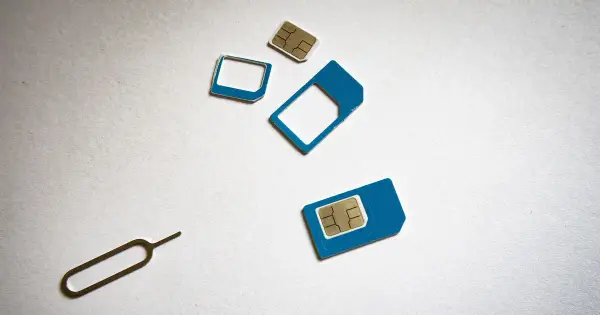
A carrier locked phone only accepts SIM cards, or eSIM profiles, from one carrier. The lock is a rule, not a part. When the phone sees a SIM from another network, it checks that rule and refuses.
A carrier unlock removes that rule. After it, the phone accepts SIMs from other carriers. That is the whole job. If you want the longer background, read what does carrier locked mean.
What does not change
- Your data. Photos, apps, messages and settings stay where they are. A carrier unlock is not a reset.
- Your IMEI. The phone’s identity number stays the same. We never change IMEIs.
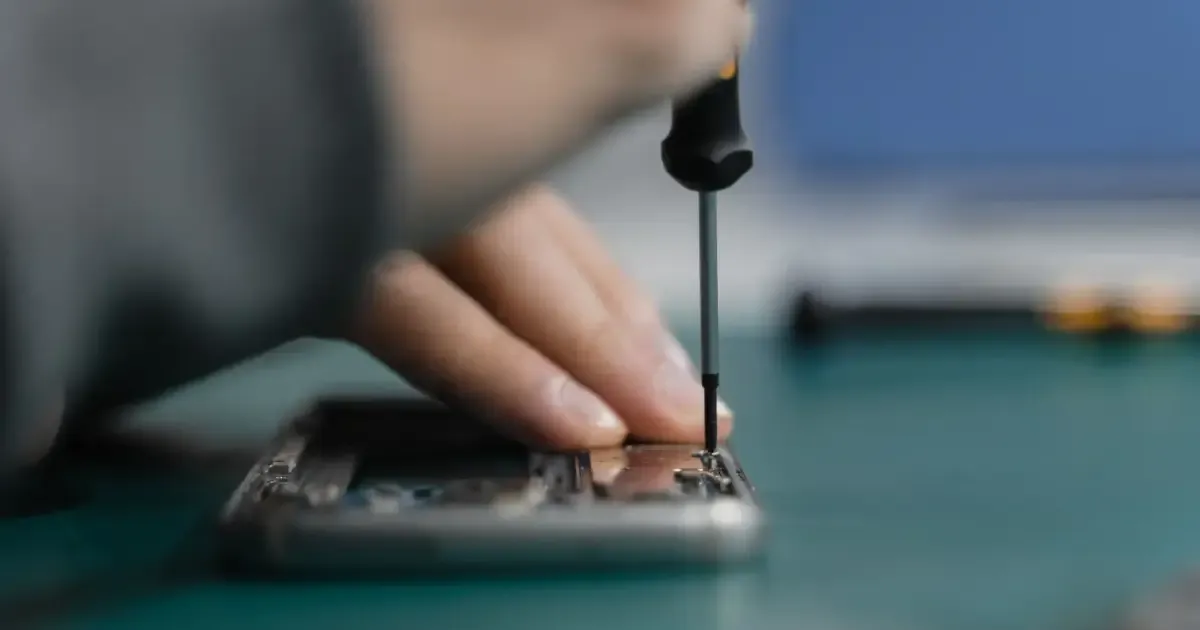
- Your hardware. Nobody opens your phone. The bands and network types it supports stay the same.
- Your accounts. Apple ID, Activation Lock, Google account protection and work device management are separate locks. A carrier unlock does not remove them, and we do not offer that.
- Your blacklist status. If a phone is reported lost or stolen, an unlock does not change that. We do not work on those phones.
What you might notice afterwards
Most people notice nothing until they put in a new SIM. Here is what can happen:
A restart or a SIM swap to finish. Some phones show the unlock only after a restart with a different carrier’s SIM inside. iPhones sometimes show a message once the unlock is applied.
A short setup on the new network. The new carrier may send settings for mobile data and picture messages. Usually this happens by itself. If data does not work, check the access point settings or ask the new carrier.
Some carrier features depend on the new carrier. Things like Wi-Fi calling, visual voicemail and 5G access depend on whether your new carrier supports your exact model. This is about the network, not the unlock.
The old carrier’s apps may stay. Apps the old carrier installed do not vanish. You can usually disable or remove them.
Does it affect my warranty?
A carrier unlock does not open the phone or change its hardware. If you have a question about a specific warranty or insurance plan, ask the company that provides it. Policies differ.
Is it legal?
In the US, unlocking a phone you own is legal. Carriers set their own rules for when they will unlock, so check your carrier’s current policy. Our guide on whether unlocking is legal has the details.
How an unlock actually happens
There are two common routes:
- Your carrier unlocks it. You meet their requirements, send a request, and they mark the phone as unlocked. This is often free.
- A paid service handles the request. This helps when the carrier will not or cannot do it for you, for example when you left the carrier or bought the phone used. We check that the phone is eligible first and show the all-in price and delivery time before you pay. If it fails, you get a full refund.
Either way, the result is the same kind of unlock. No software is installed on your phone and nobody needs your passcode.
How to check it worked
Put a SIM from a different carrier in the phone, restart, and try a call and mobile data. If it works, you are done. If you see “SIM not supported” or a similar message, the phone is still locked. Our guide on checking if your phone is unlocked walks through it for iPhone and Android.
A word on “permanent”
A proper carrier unlock is recorded on the network side, so it normally stays in place through software updates and factory resets. Be careful with anything sold as a “software unlock” app or a SIM sticker. Those are not the same thing and can cause problems.
Summary
Unlocking removes the carrier rule that limits which SIMs your phone accepts. Your data, IMEI, hardware and accounts stay as they are. Back up first, test with a real SIM afterwards, and you are ready to switch.
Questions people ask
Does unlocking erase my phone?
A carrier unlock does not erase your data. Some phones ask for a restart or a SIM swap to finish. Keep a backup anyway, as you should before any change.
Does unlocking change my IMEI?
No. The IMEI stays the same. Changing an IMEI is illegal in many places and we never do it.
Will my phone lock again after an update?
A proper carrier unlock is stored by the network side and normally stays in place through software updates and resets.
Related guides
Unlocking
What does carrier locked mean, and why do carriers lock phones?
A plain explanation of carrier locked phones, why carriers do it, what a lock does and does not do, and how to get out of it.
| 3 min read
Unlocking
How to find your IMEI on any phone
Every way to find the IMEI number on an iPhone, Android phone or tablet, even when the screen does not work.
| 3 min read
Unlocking
How to check if your phone is already unlocked
Three simple ways to find out if your phone is carrier unlocked: the settings, a SIM test, and an IMEI check.
| 3 min read