How to check if a used phone is financed
A phone that is still being paid off can cause trouble for the next owner. Here is how to spot it before you buy, and what to ask the seller.
By Peter | Published | Last updated | 4 min read
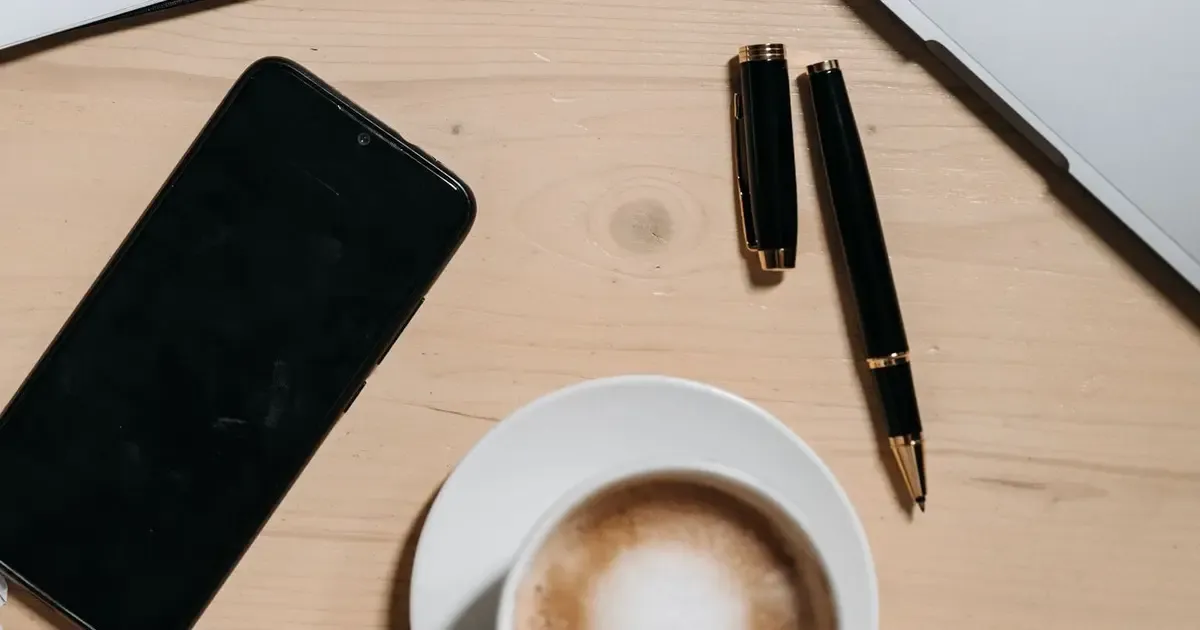
Many phones in the US are sold on a payment plan. The buyer pays a little each month, and the carrier keeps a link between the phone and that account until the balance is paid. That is fine for the first owner. It can become your problem if you buy the phone used before it is paid off.
This guide explains what “financed” means, the warning signs, and the questions to ask before you hand over any money.
What “financed” means for a used phone
A financed phone is one that still has money owed on it. The plan might be a monthly installment, a lease, or a promotion that is paid back over time. Until it is paid off, the carrier usually treats the phone as tied to the original account.
Two things follow from that:
- The phone is often still carrier locked. Most carriers will not unlock a phone that still has a balance. So a financed phone usually only works with one carrier.
- The phone can be blocked later. If the original owner stops paying, some carriers can block the phone on their network. That can happen after you bought it.
Rules differ between carriers and change over time, so always check your carrier’s current policy. The official pages are linked in our free unlock guides.
Warning signs before you buy
None of these prove a phone is financed. Together they are a reason to slow down.
- The seller has several phones of the same new model and wants a quick cash sale.
- The phone is locked to a carrier and the seller “does not know” why.
- The price is far below what similar phones sell for. Compare with a few other listings.
- The seller will not meet somewhere public or will not let you test the phone with your own SIM.
- The phone was released recently. Newer phones are more likely to still be on a payment plan.
Step 1: Check the IMEI
Every phone has an IMEI, a 15 digit number. Dial *#06# on the phone to see it, or follow our guide on how to find your IMEI. Make sure the number on screen matches the one in the settings and, if there is one, on the SIM tray.
Then run a free IMEI check. It shows the model, the carrier the phone is locked to, and the lock status. A paid full report adds deeper checks such as blacklist status. If the phone is reported lost or stolen, walk away.
A basic check cannot confirm that the balance is paid. But it tells you whether the phone is locked, which is the most common sign that it is still tied to someone’s account.
Step 2: Ask the seller for proof
An honest seller who paid the phone off can usually show it. Ask for one of these:
- A screenshot of their carrier account showing no balance on the device.
- The final payment receipt or a paid off statement.
- The original purchase receipt, if they bought it outright.
Look at the details. The phone model and the last digits of the IMEI should match the phone in front of you. If the seller refuses, or the papers do not match, do not buy.
Step 3: Test it with your own SIM
If you can, put your own SIM card in the phone before paying. Restart it and try a call and mobile data. If the phone says “SIM not supported” or something similar, it is locked to another carrier. Our guide on checking if a phone is unlocked has the steps for iPhone and Android.
A locked phone is not always a bad buy. But you should know before you pay, and you should price it as a locked phone.
Step 4: Check the account locks too
A carrier lock is one thing. Account locks are another. Make sure the seller has signed out of their Apple ID or Google account and that the phone has been reset. If you see a login screen for someone else’s account after a reset, do not buy it. We do not remove those locks, and nobody should promise you that they can.
What if you already bought a financed phone?
First, contact the seller. They may be willing to pay off the balance so the phone can be unlocked. Keep your messages and the payment record.
Next, check with the carrier the phone is locked to. Explain that you bought it used and ask what they need. Some carriers can only act for the account holder, so the seller may have to make the request.
If the phone is blocked for an unpaid balance, a paid unlock is not the answer. The block belongs to the account. Your best route is the seller, or the marketplace where you bought it if it offers buyer protection.
Summary
Check the IMEI, ask for proof of payment, test with your own SIM, and make sure the account locks are gone. If any step fails, keep your money. A little checking can save you from a phone that only half works.
Questions people ask
Can a financed phone be blocked after I buy it?
It can happen. If the original account stops paying, the carrier may block the phone on its network. Policies differ, so check your carrier's current policy and ask the seller for proof the phone is paid off.
Does a free IMEI check show if a phone is financed?
A basic check shows the model, carrier and lock status. It does not prove the phone is paid off. A locked phone is a hint that it may still be tied to an account, so ask the seller for proof.
Can untethr unlock a phone that is not paid off?
We only work on eligible phones that are not reported lost or stolen. A phone that is blocked for an unpaid balance is not one we can help with.
Related guides
Buying used phones
Unlocked vs locked phones: what it means for used prices
Why unlocked used phones usually cost more, when a locked phone can still be a fair buy, and how to work out the real price before you pay.
| 4 min read
Buying used phones
How to read your phone's IMEI report
What each part of an IMEI report usually means, which results are a warning sign, and what to do next.
| 4 min read
Buying used phones
Buying a used phone: a checklist before you pay
A practical checklist for buying a used phone: IMEI, lock status, accounts, condition and payment, so you do not end up with a phone that cannot be used.
| 3 min read