eSIM vs physical SIM after unlocking
Your phone is unlocked. Should you use an eSIM or a physical SIM card? How each one works, the pros and cons, and how to switch.
By Peter | Published | Last updated | 3 min read
Once your phone is unlocked, you can choose a new carrier or a travel plan. Many of those plans now come as an eSIM, and some only come that way. So which should you use, an eSIM or a classic SIM card? Here is how they compare.
The basics
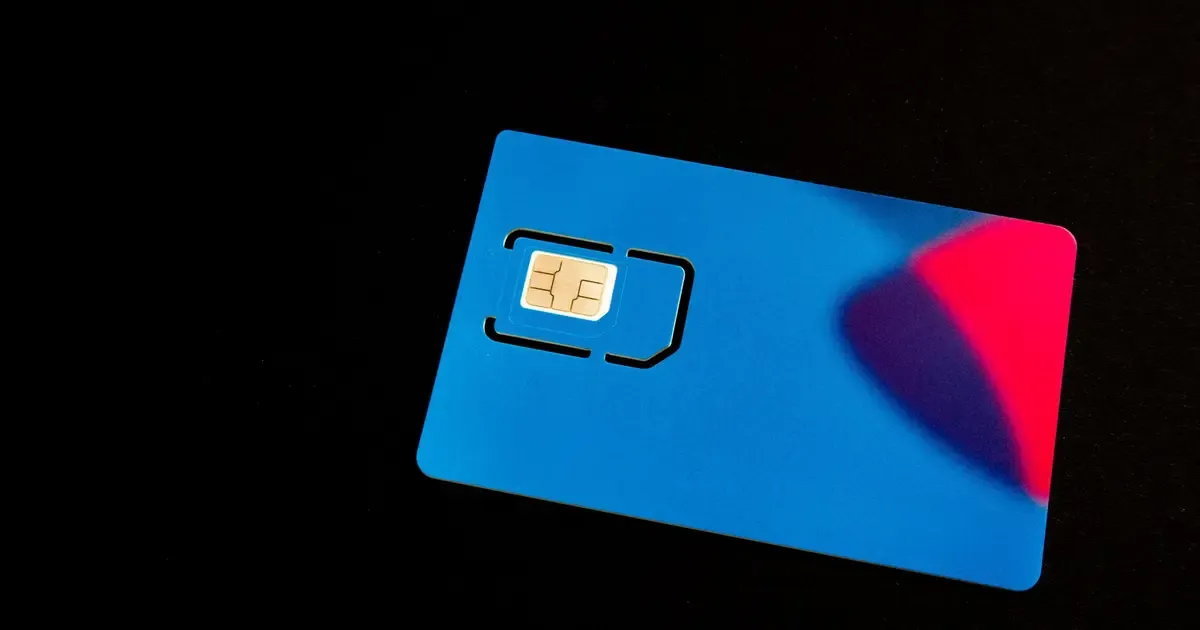
A physical SIM is the small card you push into a tray on the side of the phone. It stores the details your carrier needs to connect you. You can move it to another phone in seconds.
An eSIM does the same job, but it is a chip built into the phone. Instead of a card, you download a profile, usually by scanning a QR code or through the carrier’s app.
Does unlocking cover both?
Yes. A carrier lock limits which carriers the phone accepts, whether the line arrives on a card or as a download. After an unlock, the phone accepts both from other carriers.
Two conditions still apply:
- Your phone must support eSIM. Many recent phones do. Some older and budget models do not. Look for an option like “Add eSIM” in the mobile or cellular settings.
- The new carrier must support your model. Carriers publish lists of eSIM phones they work with. Check before you buy a plan.
eSIM: pros and cons
Good points
- Set it up from home, before a trip, with no shop visit.
- Keep several profiles on one phone and switch between them in settings.
- Nothing to lose, and no SIM tool needed.
- Works well next to a physical SIM, so you can keep your home number and add a data plan.
Things to watch
- Moving a line to a new phone means a transfer or a new download, not just moving a card.
- A factory reset can remove the profile. Ask your carrier how to get it back first.
- Setup needs an internet connection, usually Wi-Fi.
- Not every carrier or plan offers eSIM.
Physical SIM: pros and cons
Good points
- Works in almost every phone, old or new.
- Easy to move to another phone, for example if yours breaks.
- Simple to buy at an airport or a shop when you land.
Things to watch
- Small and easy to lose, especially when you swap cards while traveling.
- You need a SIM tool or a paper clip.
- Only one card fits in most phones.
Which should you pick?
There is no single right answer, but these rules of thumb help:
- Traveling and want to keep your number? Keep your home line on the SIM or eSIM it uses now, and add a travel eSIM for data. See our travel checklist.
- Switching carrier for good at home? Use whatever your new carrier offers. Many people now pick eSIM.
- Your phone has no eSIM support? Use a physical SIM. It works the same way.
- You swap phones a lot? A physical SIM is the easiest to move.
How to switch from SIM to eSIM
- Make sure the phone is unlocked if the eSIM is from a different carrier. Our page is my phone unlocked? shows how to check.
- Connect to Wi-Fi.
- Get the eSIM from the carrier, usually a QR code or an activation in their app.
- Open the mobile or cellular settings and choose the option to add an eSIM.
- Follow the steps, then choose which line to use for calls and for data.
- Restart the phone and test a call and mobile data.
Keep your old SIM card until the new line works.
Common problems
- “This code is no longer valid.” eSIM codes are often single use. Ask the carrier for a new one.
- The eSIM installs but there is no data. Check that the new line is chosen for mobile data and that data roaming is on if you are abroad and the plan requires it.
- “SIM not supported.” The phone is still locked, or the carrier does not support your model.
Summary
Unlocking opens the door to both. Use eSIM when your phone and carrier support it and you want easy setup and two lines. Use a physical SIM when you need something simple that moves between phones.
Questions people ask
Does unlocking work for eSIM too?
Yes. An unlocked phone accepts eSIM profiles from other carriers, as long as the phone supports eSIM and the new carrier supports your model.
Can I use an eSIM and a physical SIM at the same time?
Many recent phones support two lines at once, often one physical SIM and one eSIM. Check your phone's settings or the maker's support pages for your model.
What happens to my eSIM if I reset my phone?
A factory reset can remove eSIM profiles. Ask your carrier how to get a new one before you reset.
Related guides
Travel
Unlocking before traveling abroad: a checklist and timeline
When to start, what to check and what to pack, so your phone works with a local SIM or eSIM when you land.
| 4 min read
Travel
Unlocking before travelling abroad: SIM and eSIM basics
How to use local SIM cards or an eSIM when you travel, why your phone needs to be unlocked, and what to check before you leave.
| 3 min read
Buying used phones
How to check if a used phone is financed
A phone that is still being paid off can cause trouble for the next owner. Here is how to spot it before you buy, and what to ask the seller.
| 4 min read