How to prepare a phone before selling it
Back up, sign out, unlock, reset and clean. A step by step list so your data stays yours and the buyer gets a phone that works.
By Peter | Published | Last updated | 3 min read
Selling or trading in your old phone is a good way to get some money back. A little preparation protects your data and makes the sale smoother. Here is the order I use on the bench.
1. Back up everything
Before you change anything, back up the phone. Use the backup option built into your phone, or copy photos and files to a computer. Check that the backup finished and that you can open your photos somewhere else.
Do not forget:
- Two factor authentication apps. Move them to your new phone first, or you may lock yourself out of accounts.
- Chat apps that keep their own backups.
- Notes, voice memos and files stored only on the phone.
2. Move your number
If you are moving to a new phone, set up your number on it first. For a physical SIM, move the card. For an eSIM, ask your carrier how to transfer it. Test a call on the new phone before you go further.
3. Unpair accessories
Unpair watches, earbuds and other accessories from the old phone. Some watches need to be unpaired from the phone itself to remove them from your account properly.
4. Check the phone is paid off
If the phone is on a payment plan, pay it off before you sell. A phone with a balance can be locked to the carrier, and some carriers can block a phone if payments stop. A buyer will thank you, and it avoids trouble later.
5. Unlock it if you can
An unlocked phone works with more carriers, so more buyers can use it. If your phone is paid off and your account is in good standing, ask your carrier to unlock it. It is often free. Our carrier guides cover AT&T, T-Mobile, Verizon, Cricket and Boost Mobile. Check your carrier’s current policy, since the rules change.
6. Sign out of your accounts
This is the step people forget, and it matters most.
- iPhone: sign out of your Apple ID in Settings. This turns off Find My and Activation Lock for that phone.
- Android: remove your Google account and any other accounts in Settings. This stops the phone asking the buyer for your Google login after a reset.
- Samsung and other makers: remove any maker account you added as well.
If you skip this, the buyer may see a screen asking for your login and cannot use the phone. Nobody can legitimately remove that lock for them, so do it now.
7. Factory reset
Now erase the phone using the reset option in Settings. This removes your apps, data and settings. When it finishes, you should see the welcome screen a new phone shows.
8. Remove the SIM and eSIM
Take out the SIM card. If you used an eSIM, delete the profile, or make sure the reset removed it. Keep the SIM card safe or destroy it if you no longer need it.
9. Clean it and take honest photos
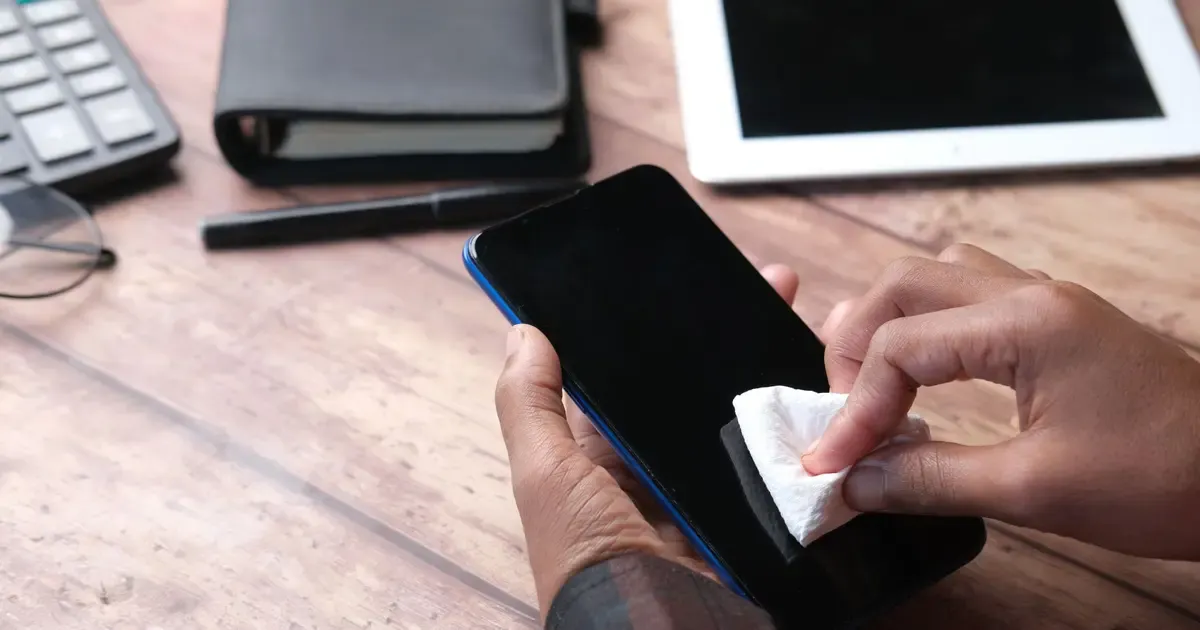
Wipe the screen and case with a soft, slightly damp cloth. Clean the ports gently with a soft brush. Take clear photos of the front, back and edges, including any scratches. Honest photos mean fewer arguments later.
10. Write down the IMEI
Note the IMEI before you hand it over. You can find it in Settings or by dialing *#06# before the reset. Buyers often ask for it so they can run their own IMEI check. Sharing the IMEI is normal. Never share your passwords.
11. Gather the extras
Original box, charger, cable and receipt all help a sale. If you have a paid off statement from your carrier, include it. It answers the most common worry buyers have.
A short checklist
- Backup done and checked.
- Number moved and tested on the new phone.
- Accessories unpaired.
- Phone paid off, and unlocked if possible.
- Signed out of all accounts.
- Factory reset done.
- SIM removed and eSIM deleted.
- Cleaned and photographed.
- IMEI noted.
Summary
Back up, move your number, sign out, reset and clean. Unlock it first if your carrier allows. Your data stays yours, and the buyer gets a phone that is ready to use.
Questions people ask
Do I need to sign out of my accounts before a reset?
Yes. Sign out of your Apple ID or Google account first. Otherwise the phone may ask the buyer for your login after the reset, and they cannot use it.
Does unlocking the phone help it sell?
An unlocked phone works with more carriers, so more buyers can use it. If your phone qualifies, ask your carrier to unlock it before you list it.
Should I remove the SIM card?
Yes. Take out the SIM card and delete any eSIM profiles before the sale, after you have moved your number to your new phone.
Related guides
Buying used phones
How to check if a used phone is financed
A phone that is still being paid off can cause trouble for the next owner. Here is how to spot it before you buy, and what to ask the seller.
| 4 min read
Travel
Unlocking before traveling abroad: a checklist and timeline
When to start, what to check and what to pack, so your phone works with a local SIM or eSIM when you land.
| 4 min read
Unlocking
What happens to my phone when I unlock it?
What a carrier unlock changes, what it leaves alone, and what you might notice afterwards. Plain answers from the repair bench.
| 4 min read